 Pivot
Pivot
iOS · Real life, not endless scroll
Pivot off the scroll.
Your phone, face-down. Your life, back on.
Your phone goes face-down. You cook, clean, walk, or say what’s on your mind. Pivot turns the urge to scroll into something you can feel good about—and remembers the pattern.
Free to try on TestFlight. App Store release coming soon. iPhone only.


How it works
Three ways to pivot—one journal. Pick what fits the moment; Pivot keeps the thread so your week tells a story, not a screen-time chart.
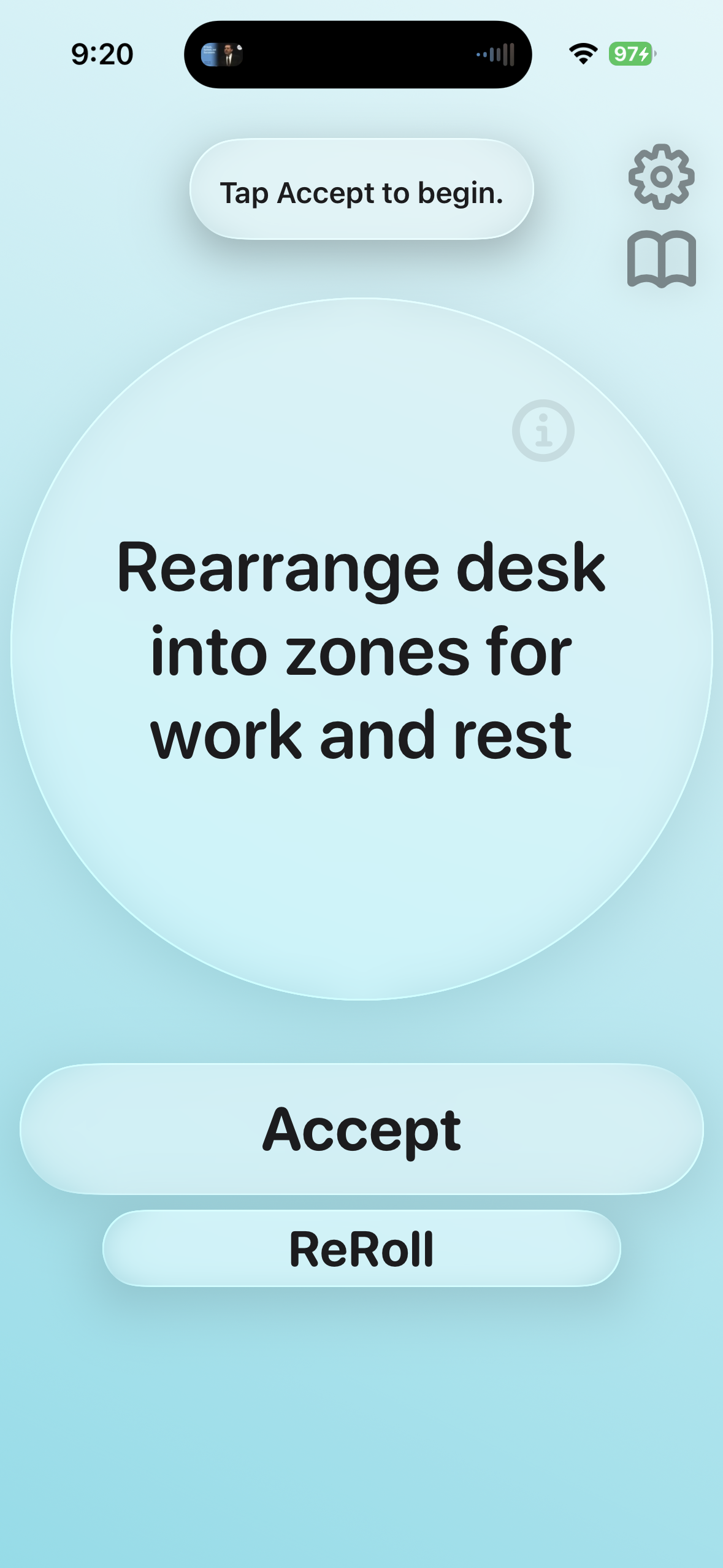
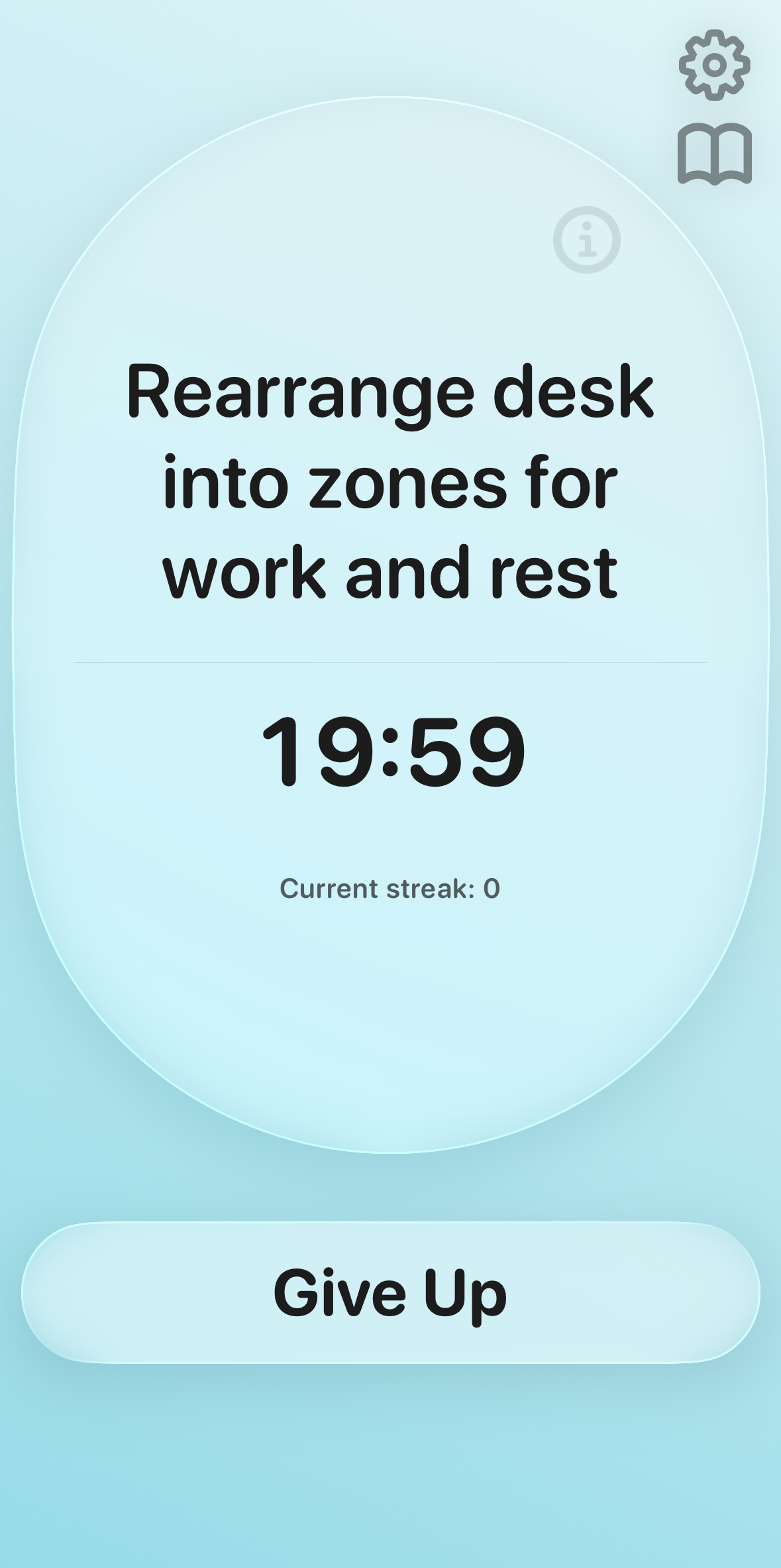
The timer runs when your phone isn’t.
Pivot suggests concrete offline tasks—tidy a space, prep food, analog reading, small routines—with clear endpoints. Put your iPhone face-down: time counts. Pick it up, and the session pauses. You’re not fighting willpower alone; you’re changing what your hands are doing.
Pivot Pro can adapt task suggestions to what you actually finish, add optional background music (it pauses when you flip your phone), and more—optional, not required to start.
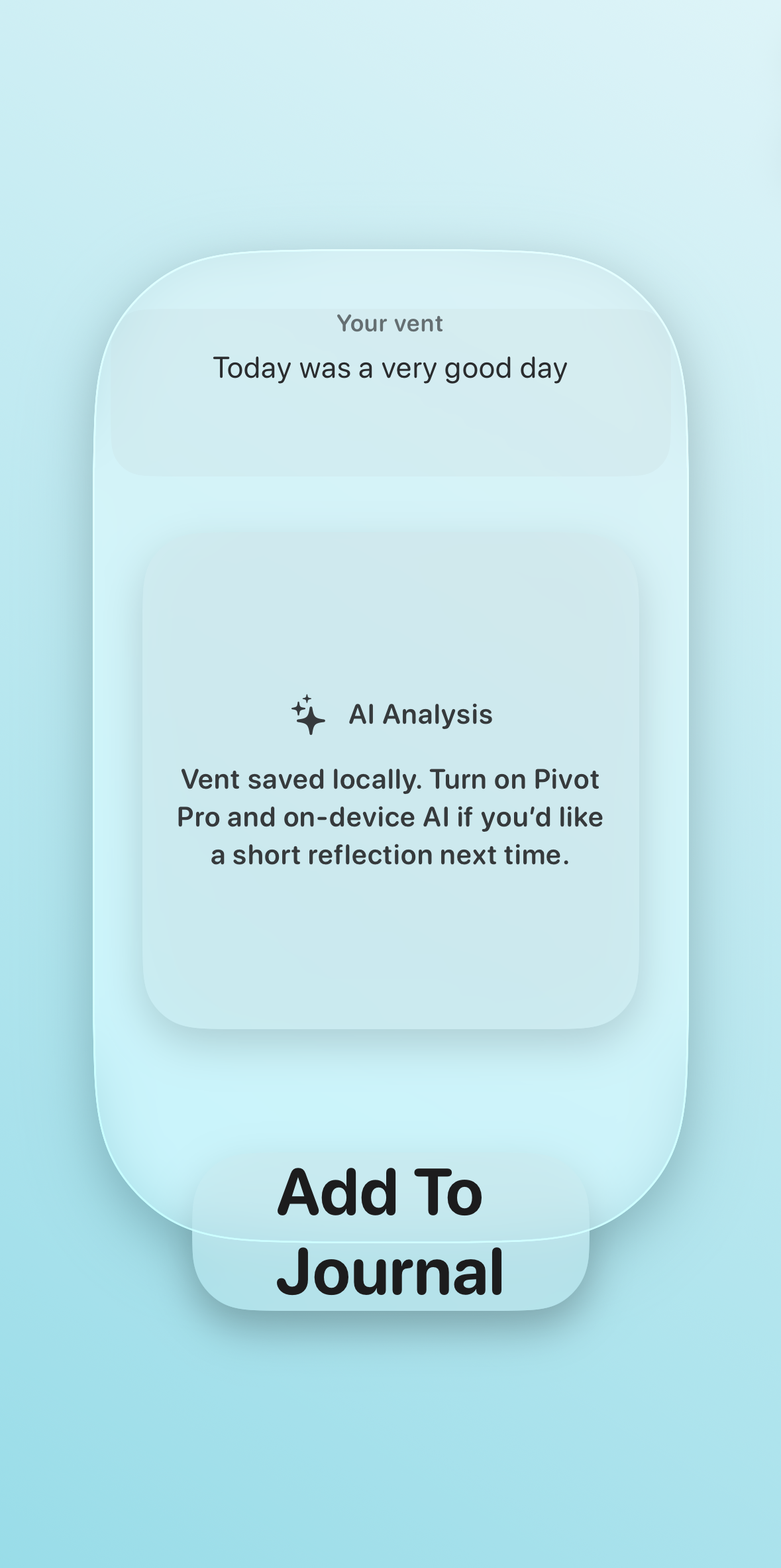
Say it out loud—or type it out.
Vent is a private place to unload. Use the mic or keyboard; Pivot helps you reflect with AI-assisted insight, then save entries to your journal so nothing important evaporates into another lost thread.
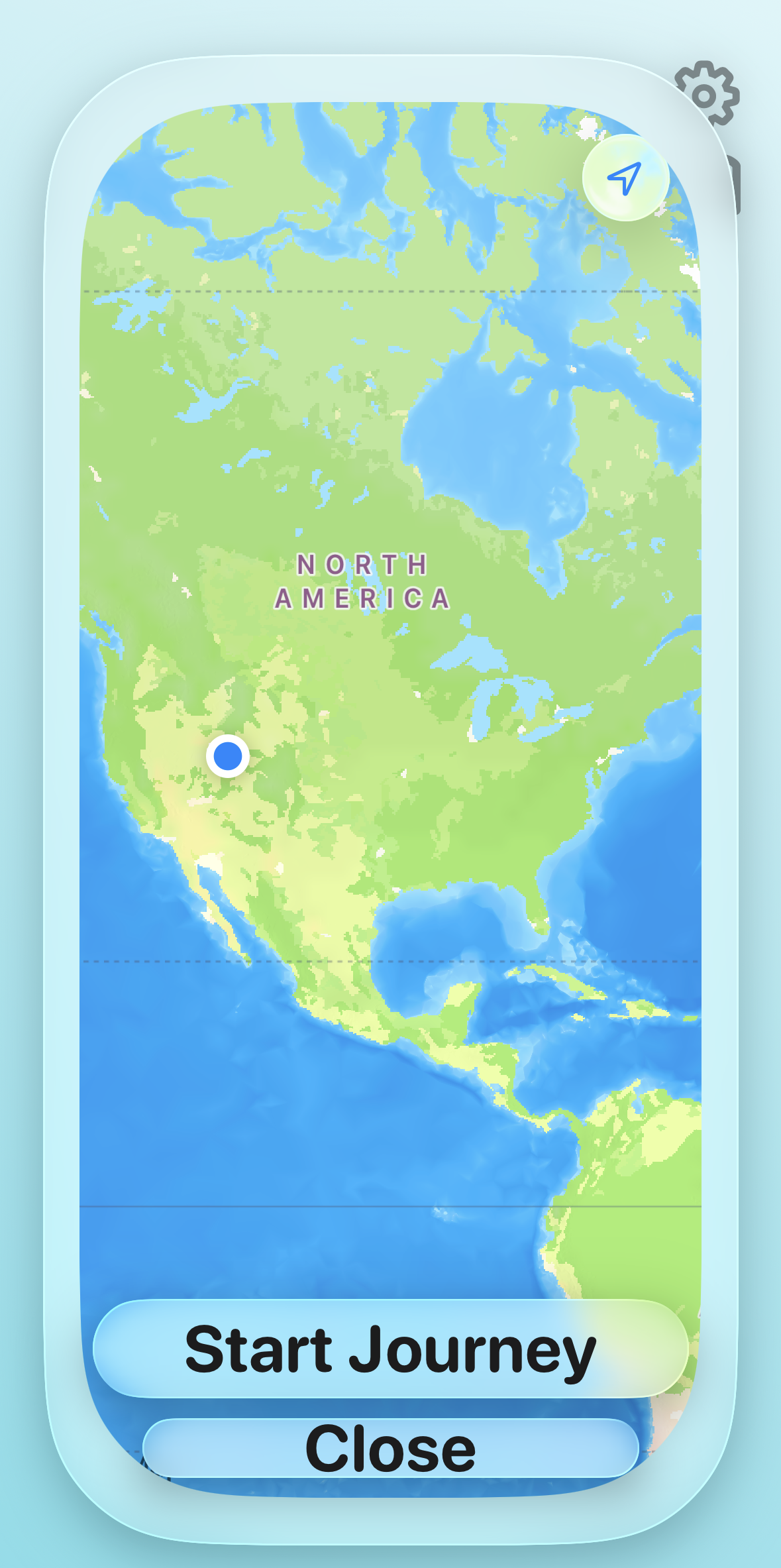
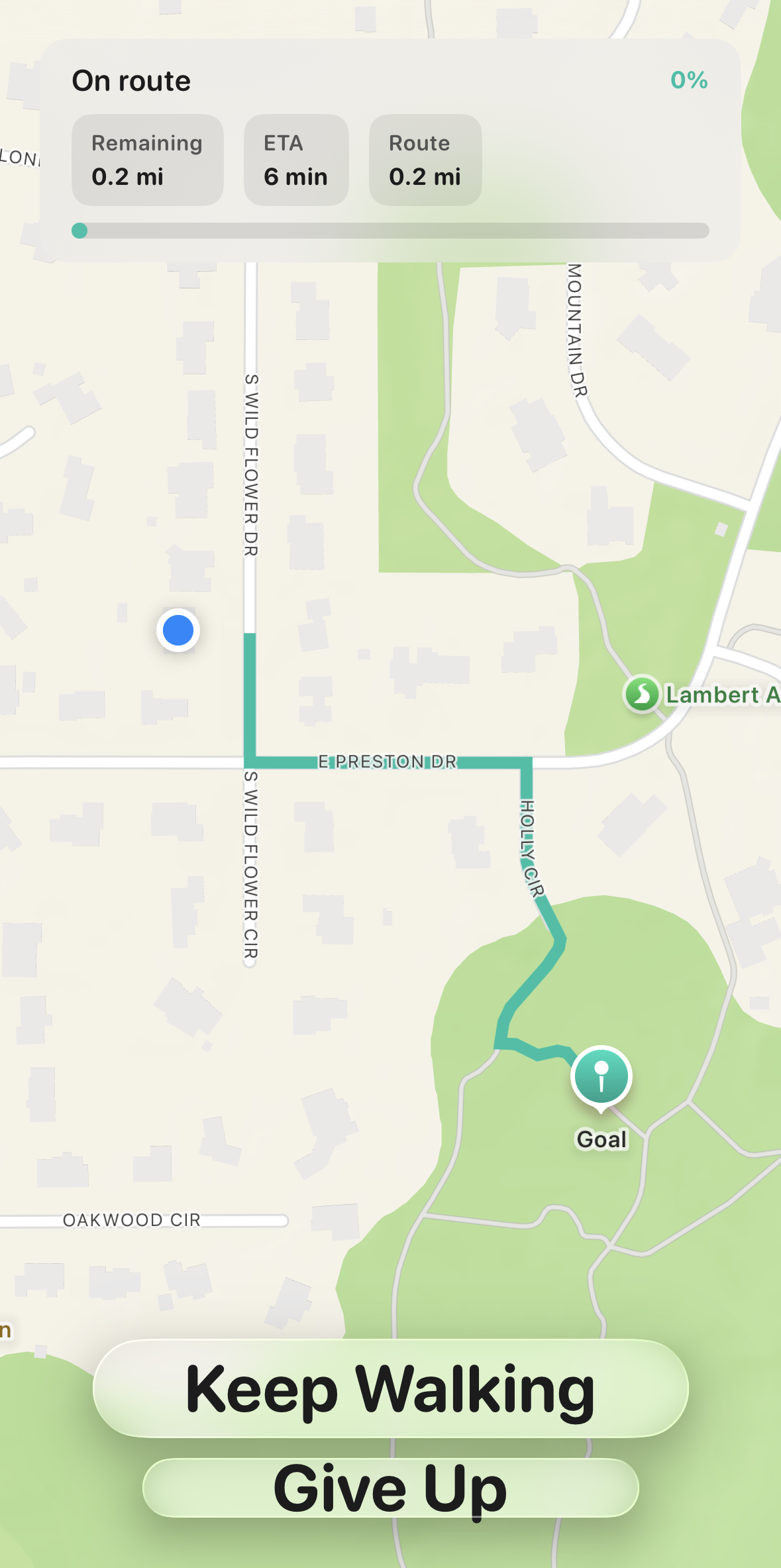
A walk with a destination.
Move finds a nearby goal you can reach on foot, draws a route on the map, and celebrates when you arrive. Finish with an optional photo and a short reflection—proof you traded scroll time for motion and fresh air.
Your week, in real actions
Every Focus, Vent, and Move can live in one timeline. Open the book icon to see days and details—and a weekly review that surfaces patterns. With Pivot Pro, get a plain-language AI action plan with one-tap next steps.
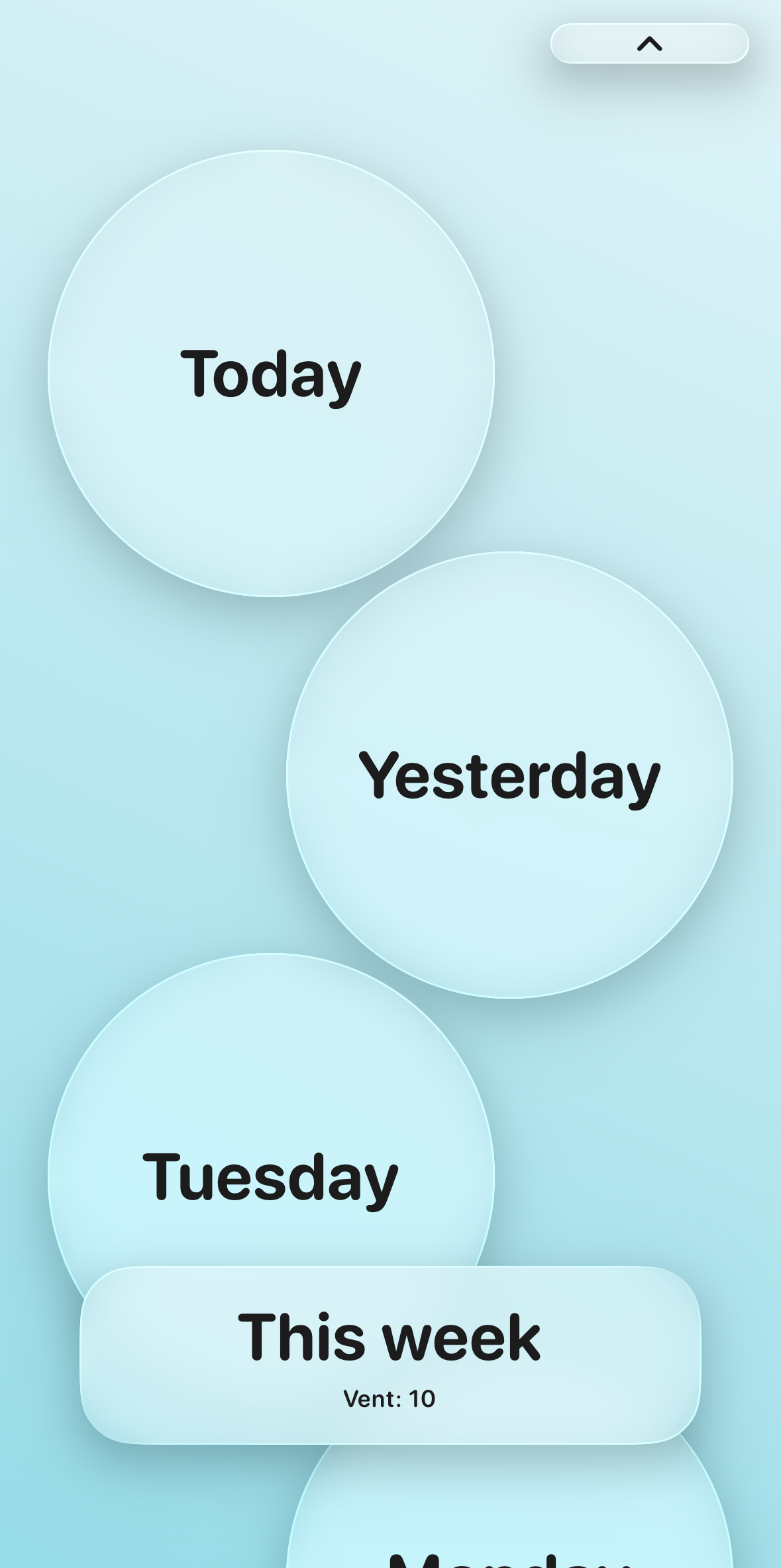
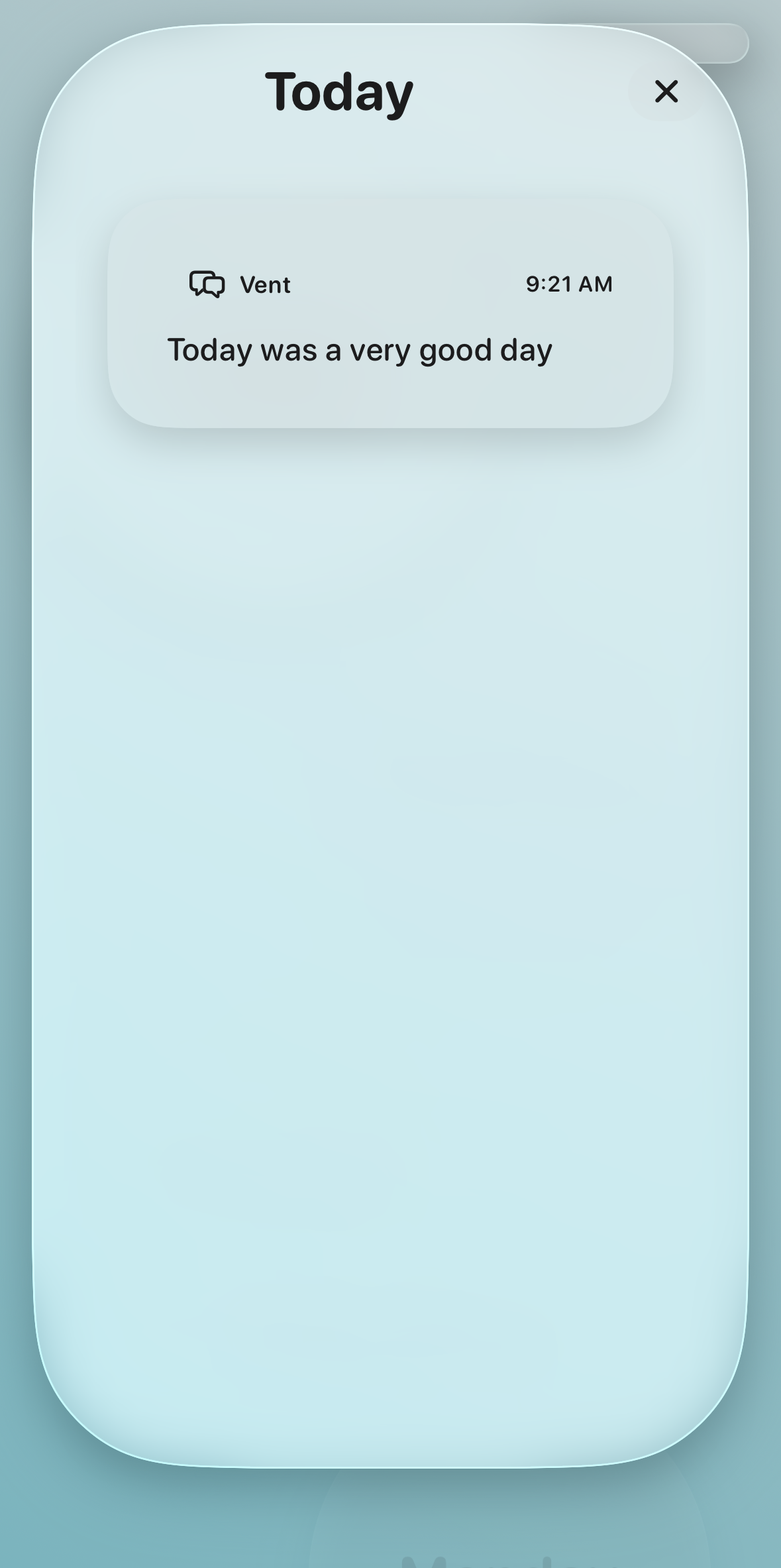
Scrolling doesn’t leave a meaningful trail. Pivot’s journal does—so you can notice what actually helps when the urge hits.
Go deeper when you’re ready
Optional subscription inside the app—unlock more personalization and polish.
-
All themesMatch your mood with the full visual set.
-
Adaptive Focus tasksSuggestions lean toward tasks you accept and complete.
-
Focus background musicAmbient audio during sessions; pauses when you flip your phone.
-
Weekly AI action planInsight, why it matters, and a one-tap Focus, Vent, or Move next step.
FAQ
What do I need for TestFlight?
An Apple ID and the free TestFlight app from the App Store. Apple may limit beta seats—if a link is full, try again later or ask the developer for an invite.
Is Pivot only for iPhone?
Yes. Pivot is built for iOS. There is no Android version.
What about privacy?
Your journal and sessions stay on your device; the app is designed around personal use. Features that use AI follow the choices you make in the app (for example on-device vs. cloud where supported). See the privacy page for plain-language details.
Do I need Pivot Pro?
No. Core Focus, Vent, Move, and journaling work without a subscription. Pro adds themes, adaptive tasks, Focus music, and the weekly AI action plan.
Which iOS version?
Install via TestFlight; Apple will show the minimum iOS version required for the current build. The project targets recent iOS releases—check TestFlight if an install is blocked.